No credit cardOne title stays freeYour files stay private
One book, one clear recordThe approved cover, current manuscript, retailer status, and next action stay together.
If this feels familiar
The problem is not writing the book. It is managing everything around it.
“Is this the final file, or the final-final file?”
Versions live in folders, email threads, and downloads with no approval history.
“Where is this edition actually live?”
The ebook, paperback, hardcover, and audiobook are all at different stages.
“What is still blocking the next submission?”
Missing metadata, exclusivity, pricing, and file issues only surface when you are ready to upload.
The Frontlist workflow
From scattered book files to a clear next move
You do not have to rebuild your publishing process. Frontlist gives the process you already have a reliable home.
1
Bring the book together
Add the title and its formats. Upload the manuscript, cover, and supported audio files that belong to each edition.
2
Approve what is actually final
Keep version history and mark the exact files you intend to publish. Replacements do not erase earlier approvals.
3
Prepare and record the next move
Resolve destination blockers, prepare supported submission packages, then keep the receipt and outcome with the book.
An easier way to get started
Bring your existing library into Frontlist.
Use one catalog intake instead of entering every book from scratch. Paste a public author-page link or multiple book links, or upload your catalog CSV.
Retrieve and match
Frontlist retrieves available metadata in batches and matches books and editions using retailer identifiers, ISBNs, and exact title and author names.
Review only the gaps
One review screen highlights missing or conflicting details. Inspect all matched books, choose the correct edition, and resolve duplicates before saving.
Keep every edition connected
Ebook, print, and audio retailer links remain attached to their respective editions. Unfinished intakes retain their progress and review choices.
Save persistent author and pen-name profiles, even with zero books, then select “Add book under this author.” Public catalog pages supply only the listings they expose; CSV gives you the most complete starting list. Private publishing files are uploaded separately.
Start with one title free. Pro adds unlimited titles, subject to the per-intake limits shown in the guide.
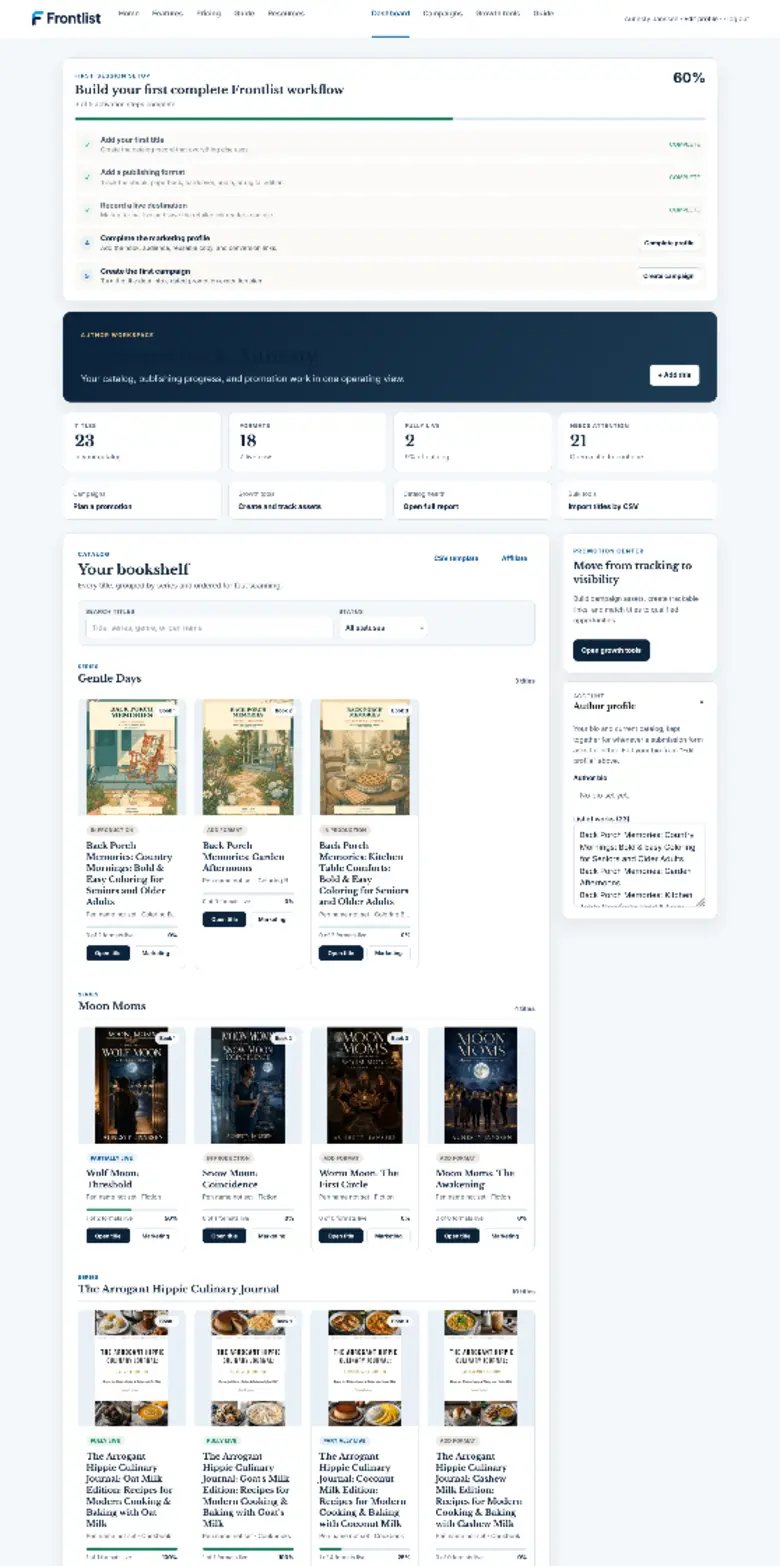
See the whole catalog
Every title and format, without opening another spreadsheet
Your bookshelf shows what is live, what needs attention, and where to continue working.
Separate progress for ebook, print, audio, and digital editions
Search by title, series, genre, or pen name
Import from public author pages, book links, or a catalog CSV
Review edition matches, duplicates, and conflicting details together
Save author and pen-name profiles before their first book exists
See catalog health and unfinished work at a glance
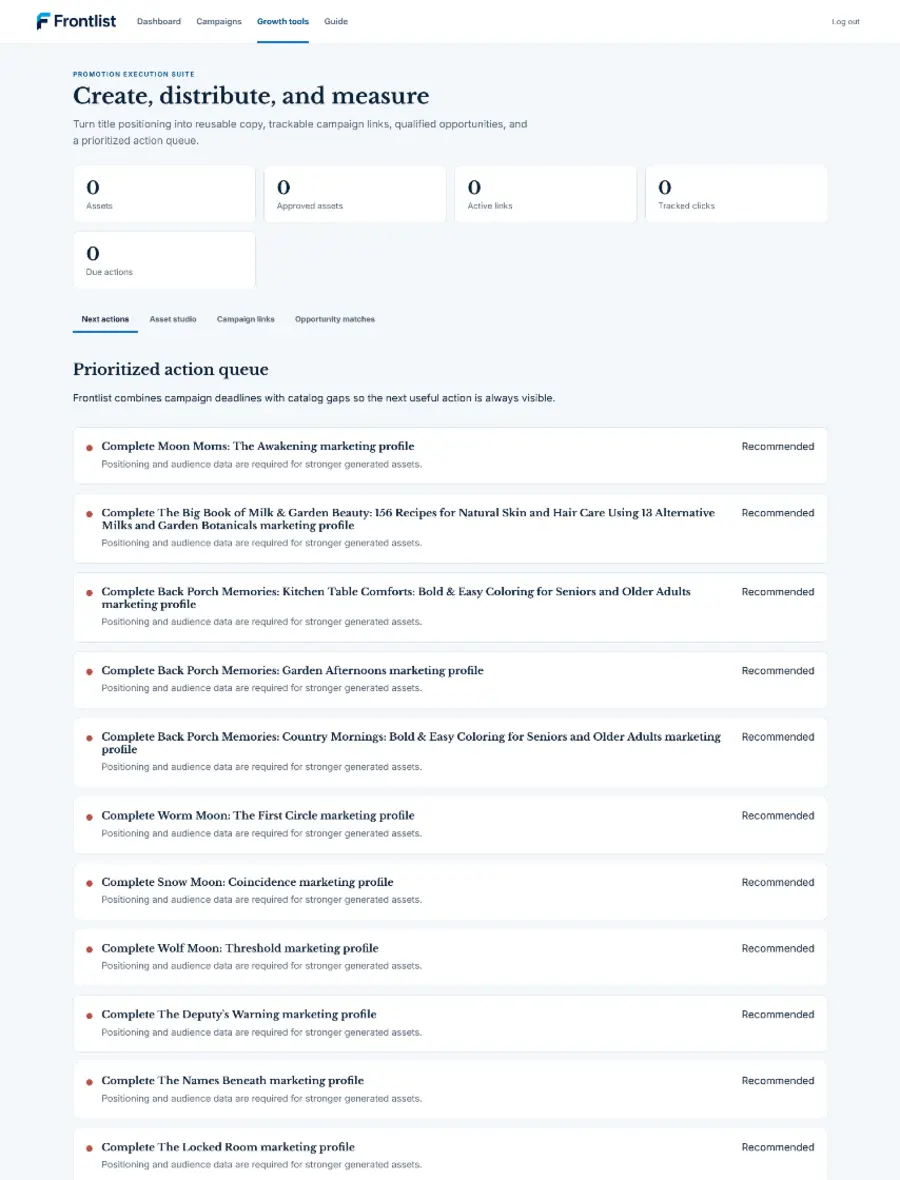
Keep promotion connected
The launch plan stays with the book it is selling
Build the marketing profile once, plan the campaign, create working drafts, and track the links you share.
Campaign plans and dated tasks
Reusable hooks, descriptions, keywords, and retailer links
Editable social, newsletter, reviewer, and media drafts
Tracked links with source and campaign reporting
Clear expectations
Frontlist prepares the work. You stay in control.
Frontlist does: organize your catalog, preserve private file versions, record approvals, identify supported destination blockers, prepare supported packages, and keep submission history.
Frontlist does not: automatically upload books to retailer accounts, change retailer settings, sync live sales, or replace the destination's final preview and acceptance process.
Start with the book in front of you
Make one title easier to manage today.
Use the complete workflow free, with every supported format and 1 GB of private file storage.