Free KDP backlist audit

The complete KDP backlist audit checklist

Twelve checkpoints to find every outdated cover, missing format, and dead listing hiding in your catalog, before you spend time producing anything new.

Free to read on the page 12 checkpoints Free account to download the PDF
Author reviewing printed catalog pages and cover proofs at a desk while auditing their KDP backlist
Why audit first

Your backlist is hiding revenue, not just clutter

A backlist audit isn't busywork. It's the fastest way to find what's already costing you sales: a paperback that never went live on IngramSpark, a cover still listing last year's price, a series with three books linked together and a fourth sitting on its own. None of that shows up until you go looking for it, one title at a time. If planners are part of your catalog, the 2027 planner publishing checklist covers the edition and trim-size gaps this audit doesn't dig into.

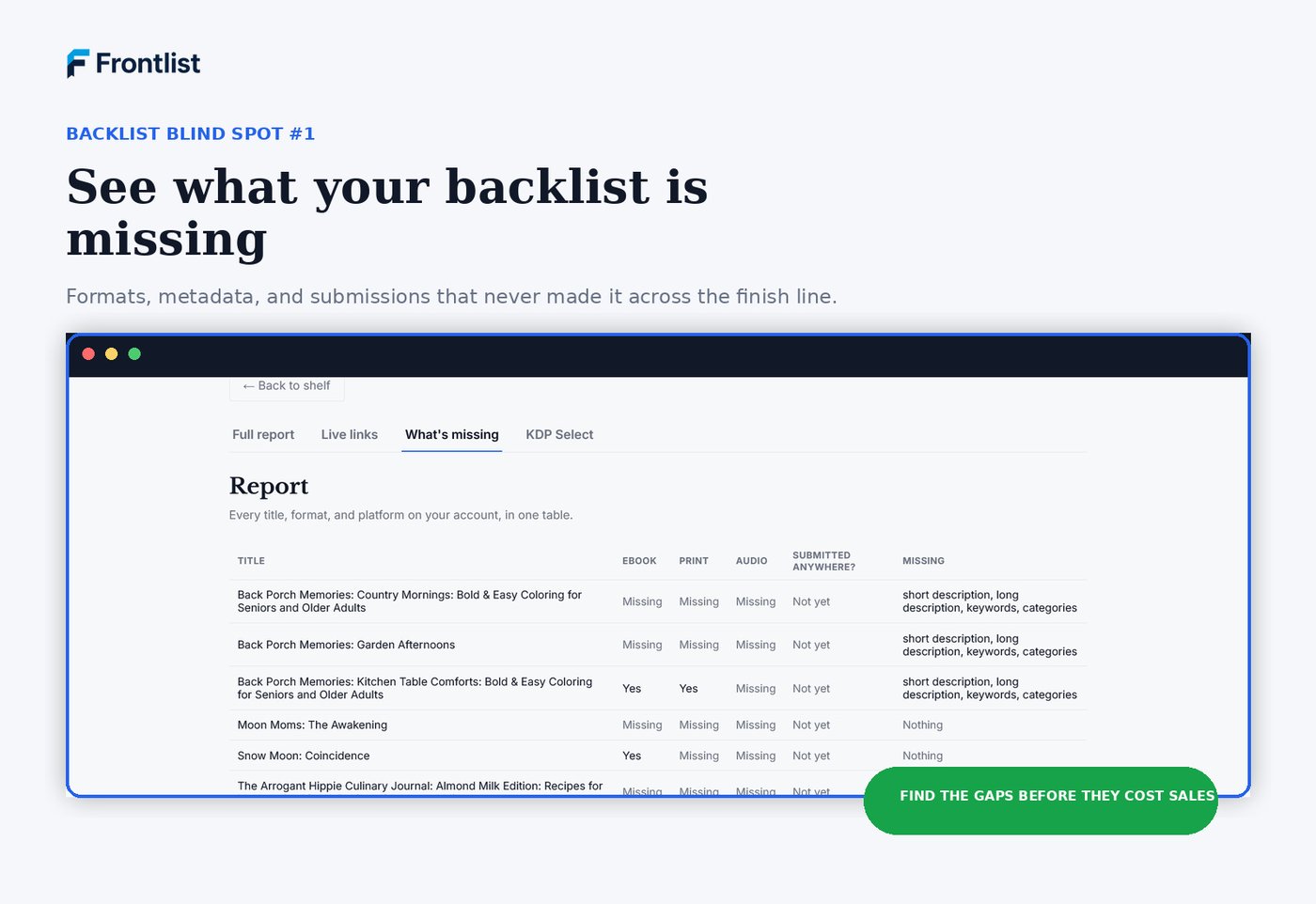
Frontlist report view showing which titles are missing formats, descriptions, keywords, and categories
The checklist

Twelve places backlists go wrong

Work through each section against your actual KDP dashboard, not your memory of it. Jump to any section below, or work straight through top to bottom.

Free printable workbook version

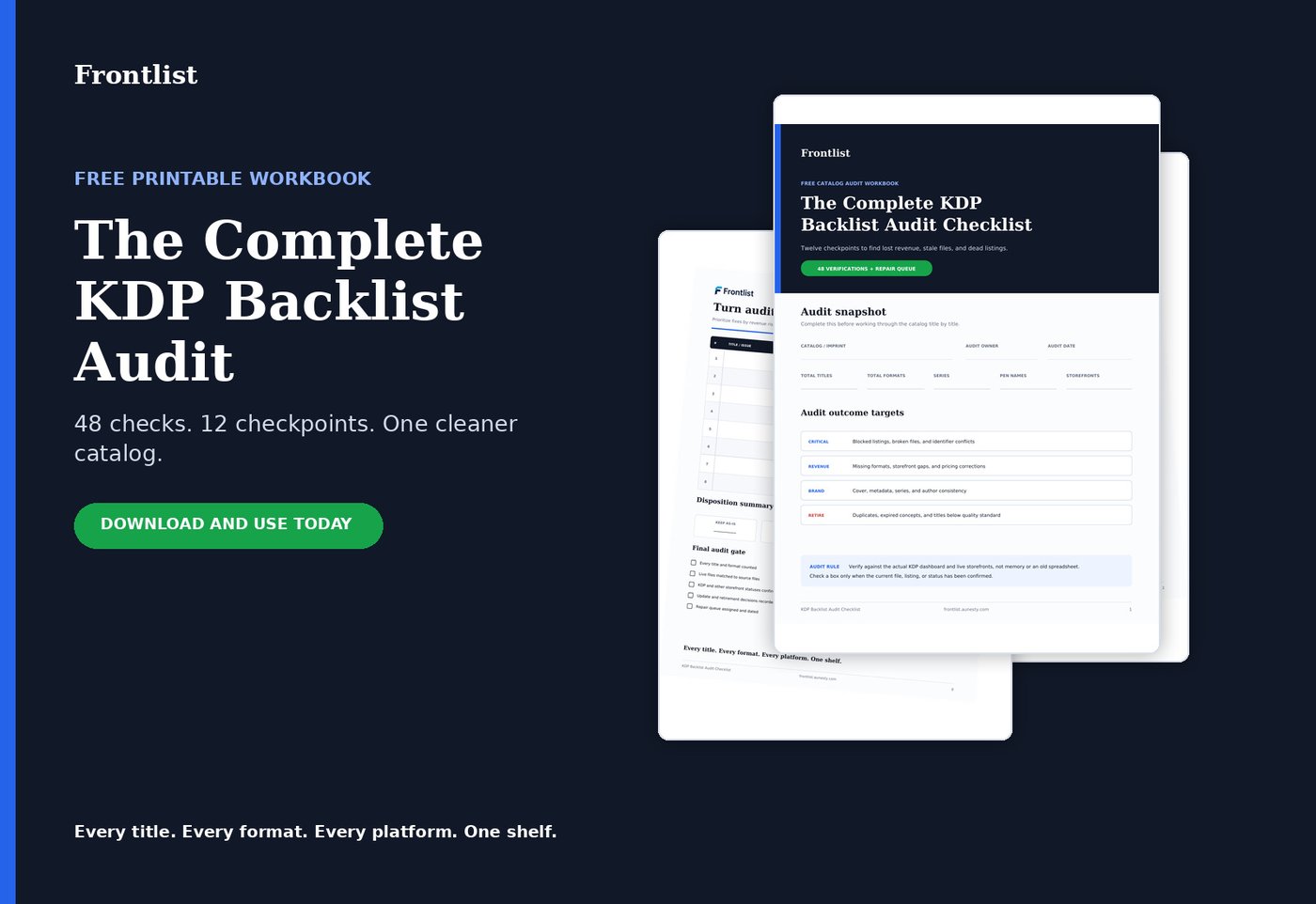
Same twelve checkpoints, formatted as a workbook you can print and work through by hand: notes fields for every section, a repair-plan table, and a final launch gate before you call the audit done.

Preview of the printable KDP Backlist Audit Checklist workbook pages

Create a free account to download the PDF

Read every checkpoint free on this page, no account needed. Create a free Frontlist account only when you want the printable workbook version, 12 checkpoints and 48 verifications on paper. No credit card required.

Already have an account? Log in instead.

01 Title inventory 02 Format inventory 03 Interior-file verification 04 Cover-file verification 05 ISBN and identifier check 06 KDP listing status 07 Metadata consistency 08 Pricing check 09 Series and author-name consistency 10 Other storefront availability 11 Products needing updates 12 Products that should be retired
1

Title inventory

Start with a full, current export, not the list in your head.

  • Full list of every title you've published, exported from KDP Bookshelf
  • Every trim size and format variant counted separately (paperback, hardcover, ebook)
  • Series groupings identified so multi-book series aren't tracked as unrelated titles
  • Duplicate or near-duplicate titles flagged (same interior, different cover or trim)
2

Format inventory

A title isn't one thing. It's every format it exists in, and every format it should exist in.

  • Every format that exists for each title (ebook, paperback, hardcover, large print)
  • Formats that exist in file form but were never uploaded anywhere
  • Formats live on one platform but missing from others you sell on
  • Formats that are outdated and need a current interior before they're touched again
3

Interior-file verification

The file on your drive and the file that's live are not always the same file.

  • Interior PDF matches the version currently live on each platform
  • Page count matches what's listed in the KDP dashboard
  • No placeholder or draft pages left in a file marked "final"
  • Interior file naming makes it obvious which version is current
4

Cover-file verification

Covers drift out of date quietly: a price, a bio, a spine width that no longer fits.

  • Cover file matches spine width for the current page count and trim size
  • Front, back, and spine text are current, no outdated pricing, ISBNs, or bios
  • Cover uploaded to KDP matches the source file, not an older export
  • Print cover and ebook cover use consistent branding and title treatment
5

ISBN and identifier check

One misassigned ISBN can quietly tangle two listings together.

  • Every format that requires an ISBN has one assigned
  • No ISBN is reused across two different formats or editions
  • Free KDP ISBNs and your own purchased ISBNs are tracked separately
  • Barcode on the print cover matches the assigned ISBN
6

KDP listing status

Confirm status directly in KDP. What you remember publishing and what's actually live can diverge fast.

  • Each title's live, blocked, or in-review status confirmed directly in KDP
  • KDP Select enrollment status confirmed for every ebook
  • Expiration date noted for any title enrolled in KDP Select
  • Pre-order titles have a confirmed release date
7

Metadata consistency

Small inconsistencies here quietly fragment a series or an author brand.

  • Title and subtitle match exactly across every platform
  • Author name is spelled and formatted identically everywhere it appears
  • Series name and series number are correct on every book in the series
  • Description is current and free of outdated calls to action or dead links
8

Pricing check

Old promotional pricing has a way of becoming permanent by accident.

  • Listed price matches your intended strategy, not a leftover promotional price
  • Price is consistent across formats where it should be, or intentionally different
  • Royalty option, 35% or 70%, is correct for each ebook
  • Pricing is set on every territory you're enrolled in
9

Series and author-name consistency

A series only works as a series if KDP and your readers can actually see it as one.

  • Series is correctly linked in KDP so books display together
  • Reading order number is correct on every book in the series
  • Pen names are tracked separately if you publish under more than one
  • Author bio and photo are current on every applicable listing
10

Other storefront availability

KDP is rarely the whole picture once a catalog gets this size.

  • Every title's status confirmed on each non-KDP platform you sell on (Etsy, Gumroad, Payhip, IngramSpark, and so on)
  • Wide vs. KDP Select status matches what's actually live, not what you intended
  • Reader-facing links (Books2Read, direct store links) point to the current live listing
  • Platforms you no longer use are noted so old listings can be taken down
11

Products needing updates

Not everything needs to be pulled. Some titles just need to be brought current.

  • Titles with an interior revision that hasn't been re-uploaded
  • Titles with a cover that no longer matches your current branding
  • Titles priced below where they should be given demand or catalog size
  • Titles missing keywords or categories that competitors are using
12

Products that should be retired

A clean, current backlist outperforms a large, cluttered one.

  • Titles with no sales in the last 12+ months and no clear repositioning plan
  • Titles that duplicate a better-performing title in the same series
  • Titles tied to a trend or season that has permanently passed
  • Titles with quality issues you wouldn't republish today as-is

Auditing identifies the problems. Frontlist gives you one place to track the corrections.

Track your first title free
From audit to system

Every gap you just found becomes a tracked field, not a note you'll lose

Your backlist is worth more organized

Put every fix somewhere it'll stick

Track your first title free, no credit card needed. Import the rest of your backlist once you're ready.

Track your first title free
No credit card Cancel anytime