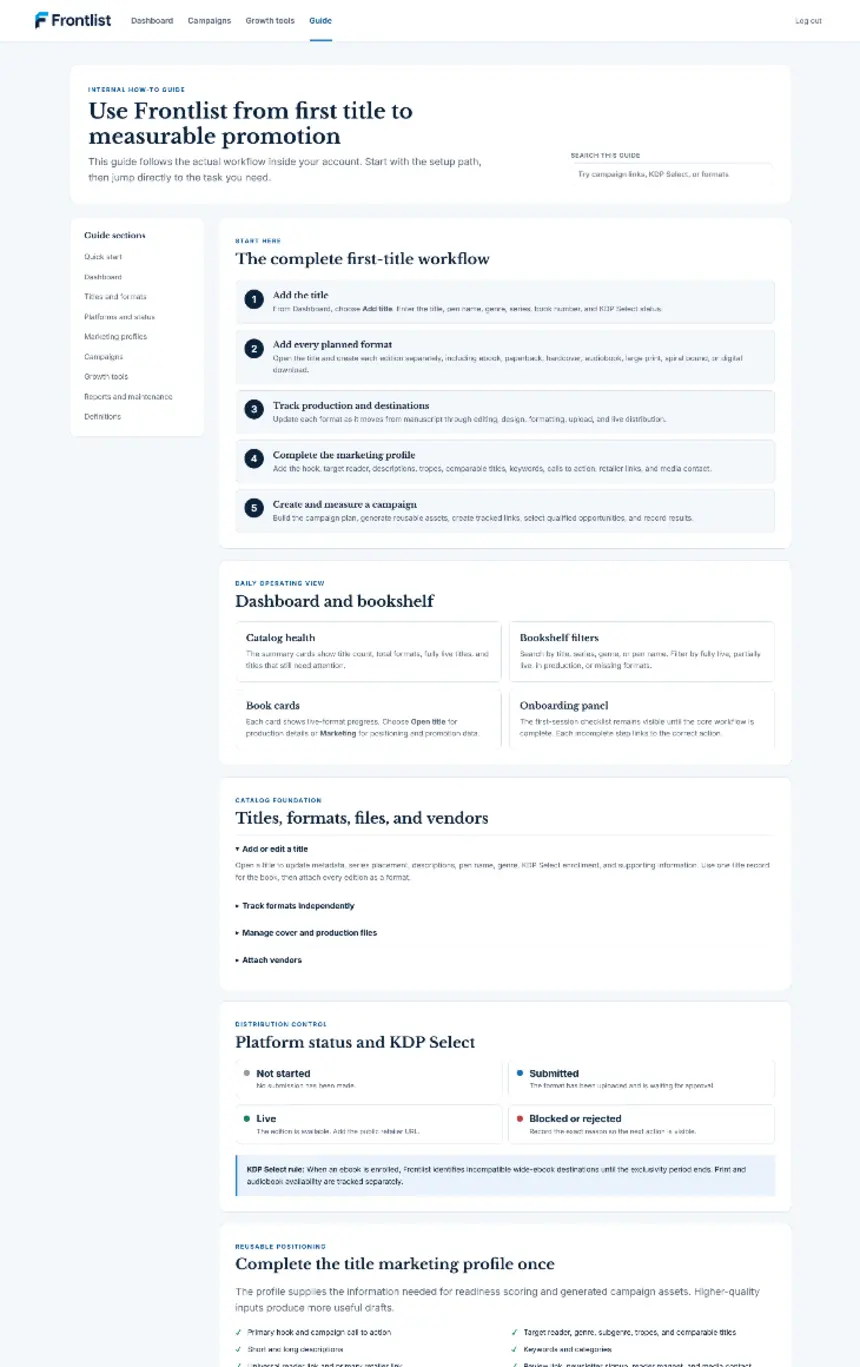
This public overview covers the full workflow. Once you log in, the expanded searchable guide remains inside your dashboard. If you haven't already, create your account first, then follow along.
Choose your publishing focus in the setup guide on your dashboard. Guidance covers novels, series, coloring books, planners, journals, wide publishing, and KDP low-content, with print edition suggestions where relevant. Choose the book, edition, and supported package destination, then follow the next incomplete step. The guide stays available inside the book workspace.
Package preparation reaches 100% only when the current approved files and destination review match a prepared package. Changes to book information or approved files can reopen those steps. Delivery is completed in the provider account and recorded separately. For an existing published book, choose the published-edition audit path to review recorded retailer status and live links.
Start with one title, all supported editions, one open campaign, and 1 GB of private files. Verify your email address; no credit card is required.
Create a title manually or use Import library for an existing catalog. Then open Editions & retailer links to add ebook, paperback, hardcover, audiobook, large print, spiral-bound, or digital download. Each edition has its own production stage, specifications, and destinations.
In Book summary and Editions & retailer links, record descriptions, author name, language, categories, keywords, rights, territories, price, ISBN assignment, and relevant print or audio specifications.
In Files & covers, upload manuscript, cover, or audio versions. Read the technical report, review content and production quality, and approve the version to use. EPUB approval requires current EPUBCheck to pass. Each file can be up to 50 MB.
In All retailers, choose the edition and expand a destination. Resolve missing metadata, rights, pricing, exclusivity, and approved-file requirements. Confirm current provider requirements and record the final destination review.
On a ready KDP, Apple Books, or Google Play Books destination, select Prepare destination package. One click creates a fixed snapshot and package together, or reuses an unchanged current package with no error or rejection. For BookBub Featured Deals, use an approved ebook snapshot and enter the promotion dates, discount, category, regions, retailer links, and eligibility confirmation.
Copy individual destination fields or download the metadata CSV. Download the ZIP with pinned files, metadata worksheet, destination metadata CSV, and preparation record. Complete the provider form, upload, and preview in its portal. Record the destination acknowledgement, receipt or external ID, and delivery time in Frontlist. Opening, copying, and downloading remain preparation activity.
Record package acceptance, rejection, live status, or errors as they occur. Update the platform grid with actual retailer status and live links. A new file approval or metadata edit requires a fresh readiness review; older packages retain their original version record.
Complete Marketing, then create a dated plan in Campaigns. Review and approve editable campaign copy, compare promotion opportunities, confirm eligibility, and use channel-specific tracked links.
Review remaining destination blockers, package outcomes, campaign tasks, and tracked-link clicks. Compare book sales using retailer reports. Pro adds unlimited titles and campaigns and raises private storage to 25 GB.
Already have an account? Open the complete internal guide from your dashboard. Still have questions? Check the FAQ, or reach out directly.
CSV preparation: Download the template, remove its example rows, and add your own data. Title, author, format, ISBN, ASIN, retailer link, descriptions, categories, language, prices, and other supported fields are recognized. Use the same title and author for editions of the same book. Keep Title ID when updating an exported catalog. Blank source fields preserve saved values.
Limits: Up to 5,000 CSV rows, a CSV under 5 MB, and 2,000 retrieval links per intake. Catalog pagination stops at 50 pages. Free allows one title total; Pro supports larger catalogs. Existing-book updates do not use another title slot.
What an author page can provide: Only the listings exposed publicly. Sign-in restrictions, scripts, and retailer access limits can leave books or metadata missing. If no listings are found, the intake reports it. Use individual listing links or a catalog CSV for a more complete starting list. Import does not upload private manuscripts or covers, approve versions, or independently verify retailer status.
Catalog changes leave earlier packages and delivery records intact. Updated metadata or approved files require a fresh destination review before preparing the new version.
One title, all supported formats, 1 GB of private files, and one open campaign. No credit card. Pro adds unlimited titles and campaigns with 25 GB for $9.99 monthly or $99 annually.