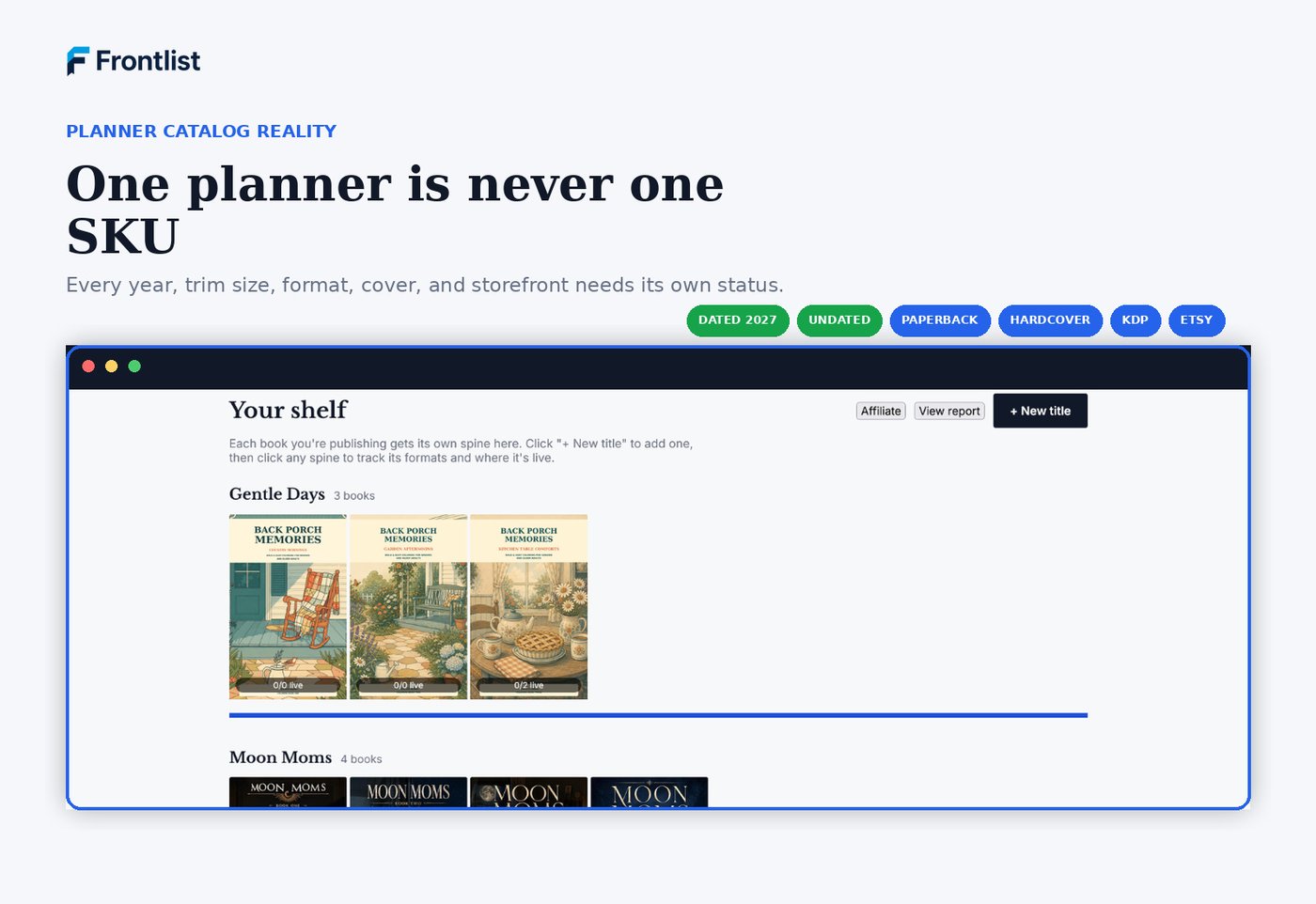
Six checkpoints for launching or updating your planner line before Q4 search picks up, so this year's edition doesn't get lost in the same file as last year's.
Free to read on the page6 checkpointsFree account to download the PDF
Why now
Planner search picks up every September
Shoppers start looking for next year's planner well before January, and that search volume builds through the fall. A 2027 edition that goes live in September has months of runway that a January launch never gets back. The checklist below is built to catch the gaps that slow a launch down: a dated interior that still says 2026, a cover variant with no tracked status, a hardcover edition nobody remembered to list.
The checklist
Six places planner catalogs get tangled
Work through each section against your actual planner line, not the version in your head from last year.
Free printable workbook version
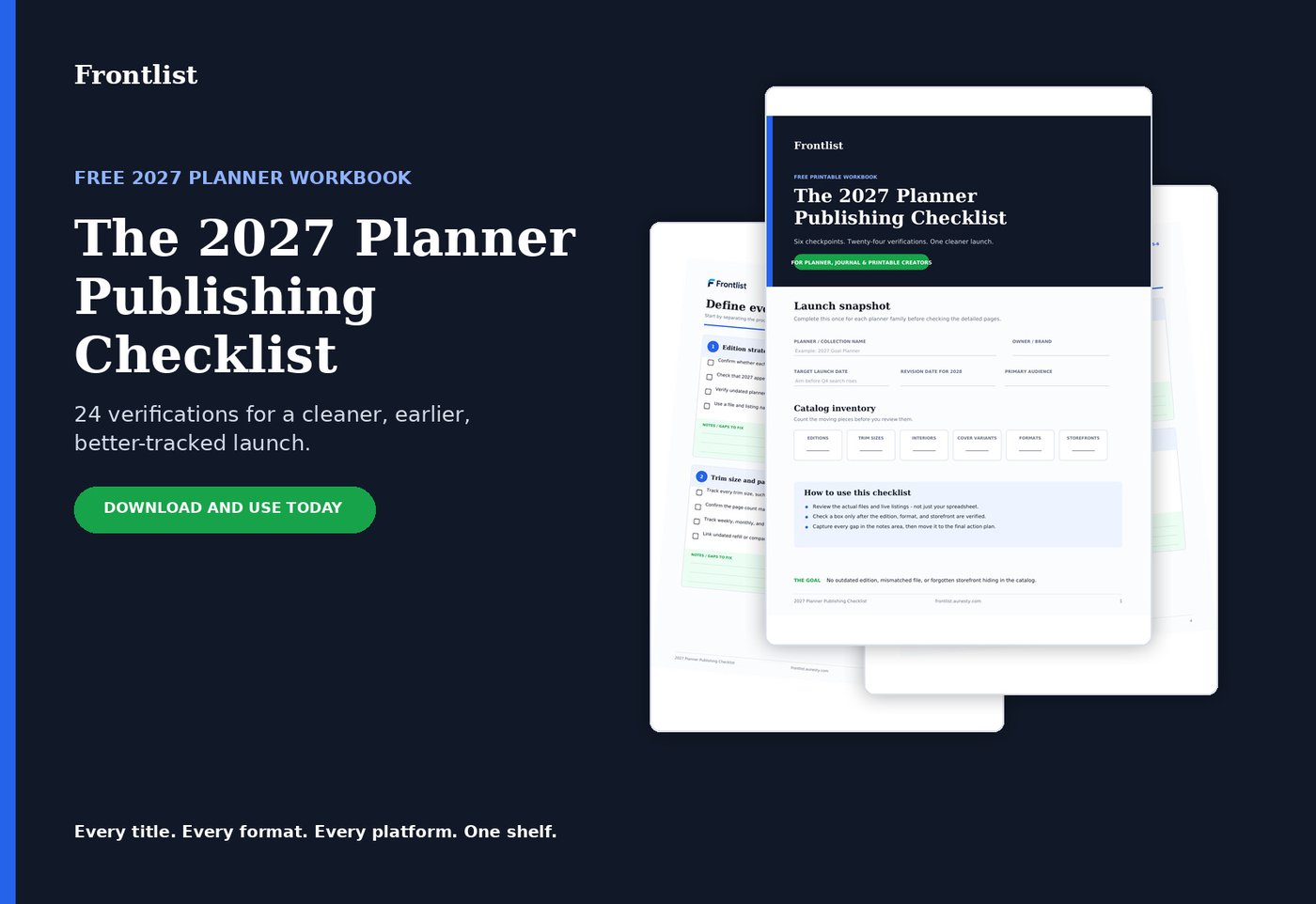
Same six checkpoints, formatted as a workbook you can print and work through by hand: a launch snapshot, catalog inventory, notes fields for every section, and a final launch gate.
Create a free account to download the PDF
Read every checkpoint free on this page, no account needed. Create a free Frontlist account only when you want the printable workbook version, 6 checkpoints and 24 verifications on paper. No credit card required.
Undated journals, coloring books, and workbooks run into the same edition and variant problems, just without the yearly deadline. If your catalog spans more than planners, the KDP backlist audit checklist covers the broader set of checkpoints, and this page walks through how Frontlist tracks all of it in one place.
This year's edition deserves its own record
Launch 2027 without losing track of 2026
Track your first title free, no credit card needed. Add every trim size, format, and platform as your planner line grows.
After reviewing the checklist, open your book in Frontlist. Add its edition details, upload the manuscript or cover, and approve the exact version after your content and production review. Distribution shows available destination checks and preparation actions.
For supported destinations, prepare a package from reviewed metadata and approved files, then finish delivery in the destination portal. Store its acknowledgement and later outcome with the package. Free includes one title and 1 GB of private storage. Pro includes unlimited titles and campaigns with 25 GB.
Turn this checklist into work you can keep with the book
Add or preview-import the title in Frontlist. Store its private file versions, approve the files after review, and resolve destination blockers. Use individual field copying and a metadata CSV when completing a supported submission package.
For an existing catalog, export title IDs for CSV updates and review bulk title edits in the dashboard. Reuse selected same-format edition settings when preparing a related product. Delivery still finishes in the retailer’s portal.
One title, all supported formats, 1 GB of private files, and one open campaign. No credit card. Pro adds unlimited titles and campaigns with 25 GB for $9.99 monthly or $99 annually.